Once you have your topics in a strict XHTML form, you are able to work with them in more detail. You can use the ‘strict-ness’ to ensure that the content is more consistent.
Although this primarily enables you to use XSL transforms to check and move the content into any required format, it is often overlooked that the clean content is primed for a plethora of searches to ensure your standards are being applied.
A tool such as textpad provides enables you to performing the following S&Rs:
- Terminology: Simple search for terms that are not used by your house style.
- Formatting: Search that particular terms have the appropriate xhtml formatting.
- Linking: Search to ensure all instances of particular types of elements are linked. For example, all instances of ‘dialogs’ and ‘tabs’ link to the appropriate topic.
Care should be taken when doing a global S&R as there is as much potential for creating global problems as there is for fixing them.
Textpad enables you to use regular expressions to refine these searches. Regular expressions enable you to identify phrases that are not (“a^b”) followed by particular characters. They enable you identify phrases that can contain optional (“a|b”) sections.
 Regular expressions are used to perform complex searches in software such as Flare and Textpad. They enable you to identify phrases that are not (“a^b”) followed by particular characters. They enable you identify phrases that can contain optional (“a|b”) sections.
 Continue List
 Image Resize
 Insert Pointers
 Anchor


 Flare 2.0 further substantiates the breeding we have come to expect from the Madcap stable. This version introduces new features and beefs up performance. This is the first of a few posts that will focus on different features of Flare 2.0.
 XAML is an XML file that defines user interfaces. It not only defines the frames, buttons, fields but also introduces any other visual effect that the interface may require. In a similar way to Flash interfaces, XAML provides a rich user experience with a variety of graphical effects.
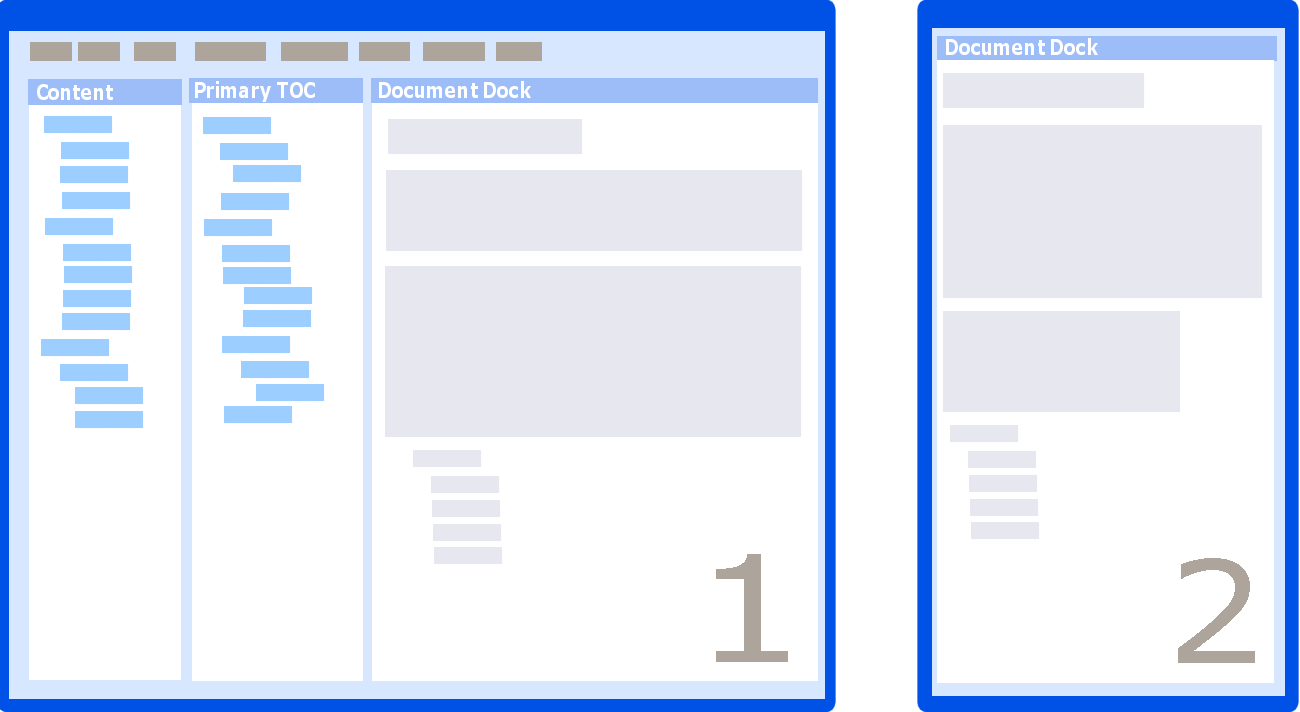
 Compact: Uses the minimal space to provide the maximum information about the help. You can see the Content, TOC and edit two topoics symaltaneously.
 Multi-tasker: Provides a good varied coverage of information. The full height Content and TOC enable you to view a larger portion of these treeviews. It also retains access to the Start Page to enable quick access to your projects.
 Minimalist: This provides the minimum of clutter in the interface, just the Content and one Topic. If you know your hotkeys well this can be further minimalised by turning off unwanted toolbars.
 Sandwich: This provides the topic in the middle, sandwiched between the Content and TOC panes. This enables a quite view of all key information, whilst keeping the focus on the content being edited.
 Dual Monitor: This enables you to have one topic on the right monitor providing additional space on the original screen.
  Multiple Progects: This enables you to quickly switch between different projects via the open project pane that has been “floated” off to the right. In my setup I combine this with a dual screen system to good affect.
 As mentioned in the Jenson Blog recently,
  In this post, we return to some more nuts and bolts issues regarding Flare and HTMLHelp.